How to View Snapchat Stories Anonymously (Without an Account)
By the View Snapchat Stories team · · 3 min read
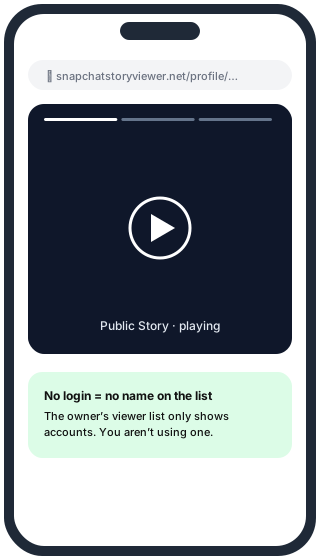
Snapchat is built around the app, but public stories also live on the web. If an account has a public profile, anyone can watch its story without signing up, logging in or installing anything. Here are the three ways to do it, from simplest to most useful.
Method 1: Snapchat’s own website
Open https://www.snapchat.com/@username in any browser, replacing username with the account’s username. If the account has a public profile, you’ll see the profile photo, bio and a story ring when there’s a live story.
- Good: official, always up to date.
- Not so good: the page keeps pushing you to open the app, plays snaps in a small window on desktop, and has no way to save a snap.
Method 2: A story viewer like View Snapchat Stories
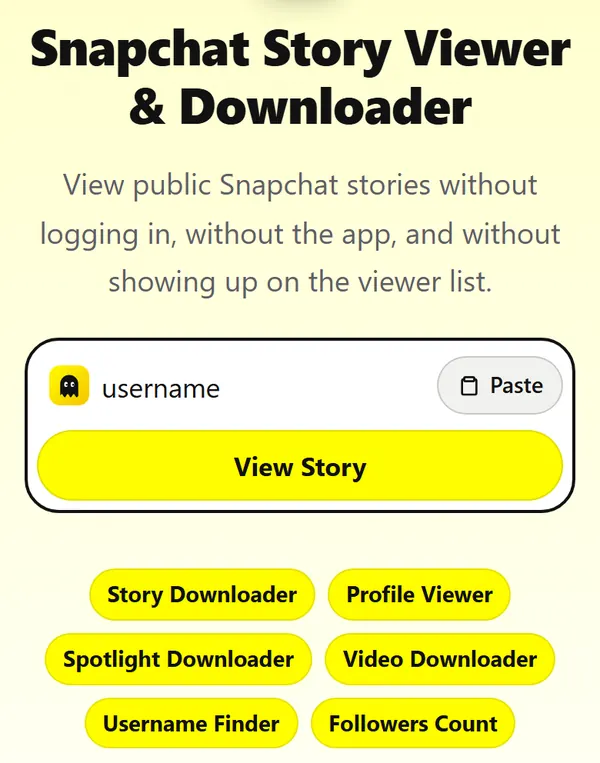
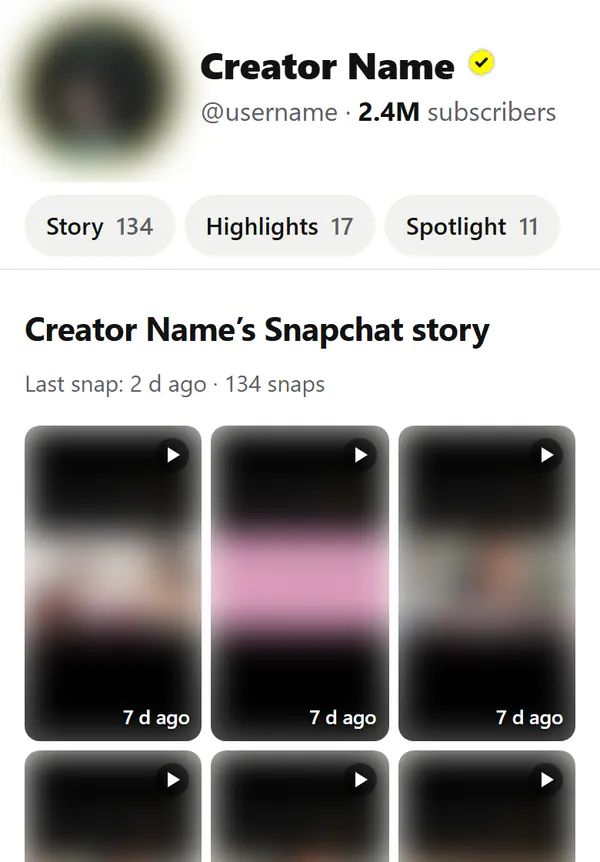
Type the username into the box on our homepage. You get the whole profile on one page: the live story as a grid, saved highlights, Spotlight videos and similar accounts. Tap any snap to play it full screen, and press Save to download it.
- Good: full-screen player on any device, downloads, no app prompts, and you never sign in.
- Not so good: data can be up to 5 minutes old, because we cache profiles to keep pages fast.
Method 3: A share link from someone else
If a friend sends you a snapchat.com/add/… or t.snapchat.com/… link, it opens the same public profile page as method 1. You can also paste that link straight into our search box.
What none of these can show
Snapchat has two kinds of stories. Public stories are posted to a Public Profile and are on the web. Friends stories are only delivered to people on the poster’s friends list, inside the app. They never reach the web, so no website or app can show them to someone who isn’t a friend. Sites that ask you to “verify” or pay to see private stories are scams.
| Content | Without an account? |
|---|---|
| Public story | Yes |
| Saved highlights | Yes |
| Spotlight videos | Yes |
| Friends-only story | No |
| Snaps and chats | No |
Does the person know you watched?
Story viewer lists in Snapchat show the accounts that watched. When you watch without being logged in, there is no account to list. On View Snapchat Stories the page request comes from our server, not from your phone.
Methods that don’t keep you anonymous
| Method | Why it fails |
|---|---|
| Airplane mode, then open the Story | The view is recorded and sent when you reconnect |
| A second (“fake”) account | That account’s name still shows on the list, and fake accounts break Snapchat’s rules |
| Apps that need your Snapchat login | They watch as you, and risk your account being locked |
| Watching from the preview in the chat list | Opening the Story at all counts as a view |
Quick checklist
- Get the username, not the display name. It’s the grey text under the name on their profile.
- Check they have a public profile: creators, brands and verified accounts always do.
- Paste the username or link into the story viewer.
- If the story section is empty, look at Highlights: many creators save their stories there.
Questions
Is it legal to view Stories anonymously? Public Stories are published for anyone to see. Watching them is fine; re-posting someone’s content without permission is not.
Can I screenshot an anonymously viewed Story? Yes, without a notice, because you’re not logged in. Read how screenshot notifications work for logged-in cases.