How to Download Snapchat Spotlight Videos (Phone and PC)
By the View Snapchat Stories team · · 1 min read
Spotlight is Snapchat’s public short-video feed. Every Spotlight video has a public web address, which means you can watch and save it without the app. It takes about 20 seconds.
Step 1: Copy the Spotlight link
- In the Snapchat app: open the video, tap the Share arrow, then Copy Link. You get a
t.snapchat.com/…orsnapchat.com/spotlight/…link. - On the web: copy the address from the browser bar while the video is open.
Step 2: Paste it into the downloader
Open the Snapchat Spotlight Downloader and paste the link. The video opens on its own page with the creator, date, view count and length.
Step 3: Save the MP4
| Device | What to do | Where it goes |
|---|---|---|
| Android (Chrome) | Tap Download MP4 | Downloads folder, then Gallery |
| iPhone (Safari) | Tap Download MP4; if the video opens, tap Share → Save Video | Photos |
| Windows / Mac | Click Download MP4 | Downloads folder |
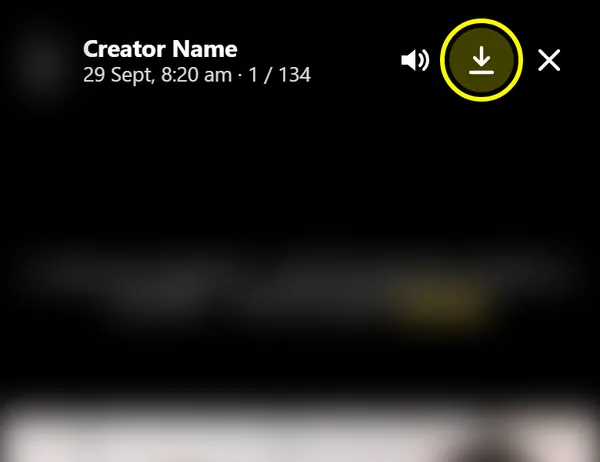

Video by How2Guides. It plays from YouTube (privacy-enhanced mode) when you press play.
No link? Use the username
Enter the creator’s username instead. Their profile opens at the Spotlight section, with every public Spotlight video and its view count. Tap a video, then Save.
Quality
You get the same file Snapchat streams on the web: an MP4 with sound, usually 540×960. We don’t compress it again or add a watermark. Text or usernames the creator put on the video stay, because they’re part of the picture.
Use it fairly
Spotlight videos belong to their creators. Saving one to rewatch is fine; re-posting it as your own, or using it in ads, needs the creator’s permission. Snapchat can remove reposted Spotlight content and act against accounts that keep doing it.